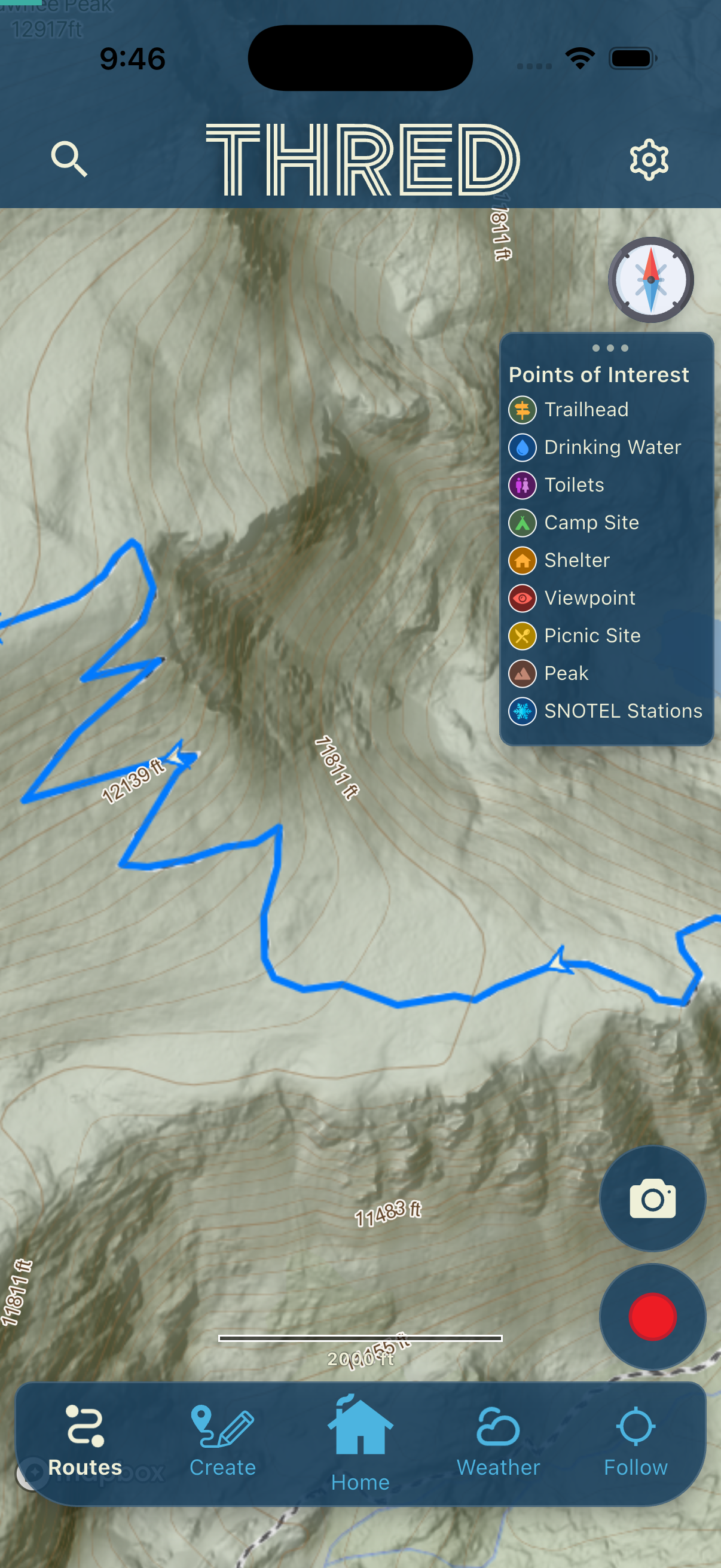
Bug Fixes, Follow mode, and a full width Feed
Offline Mapping Bug fixes
There was a pesky bug that did not allow for full SupaRes base maps to be downloaded for offline use.
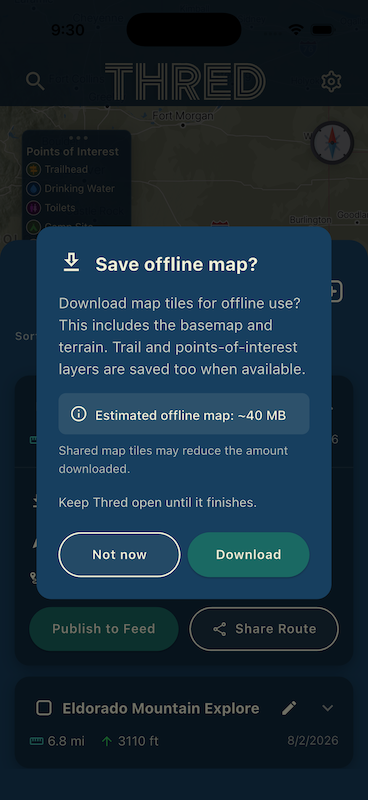
After loading the newest app version (1.10.0) go to Map/Routes/ and open a saved route.
Make sure the SupaRes Basempa is selected in Map settings.
Select the 'Offline Map' toggle
Watch the mesmerizing download and then view the sweet map.
Bonus points for putting your phone in Airplane mode and viewing it again!
Feed updates
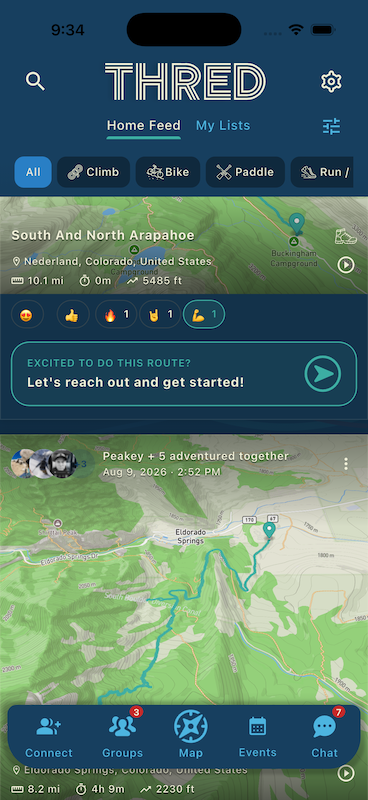
They are all wider to cleanup up the design and make all images MORE BIGGER!
Adventure Post feeds have a cleaner design and less unused space.
General App Updates
The 'Explore' navigation menu item has been renamed to 'Map' for clearer functionality.
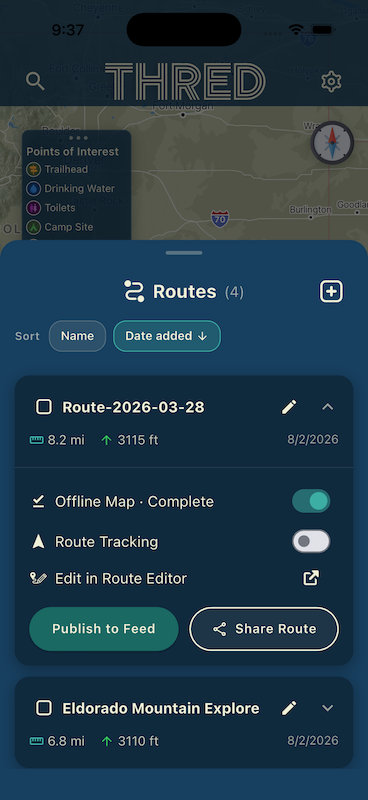
The 'Routes' drawer has been organized to be a cleaner more intuitive place to view routes.
You can share your routes directly with other users in the app! Or download and text or email them if you like to be complicated.
Tell us what you find!
Use the 'Contact Us' button in settings. We get those messages and answer them.
OR --> Join and Post it in the Thred beta tester group. https://www.facebook.com/groups/1060337400227326
Screenshots help more than you would think. Send one of the map when it should have had data and didn't.
Thanks for testing. See you out there.